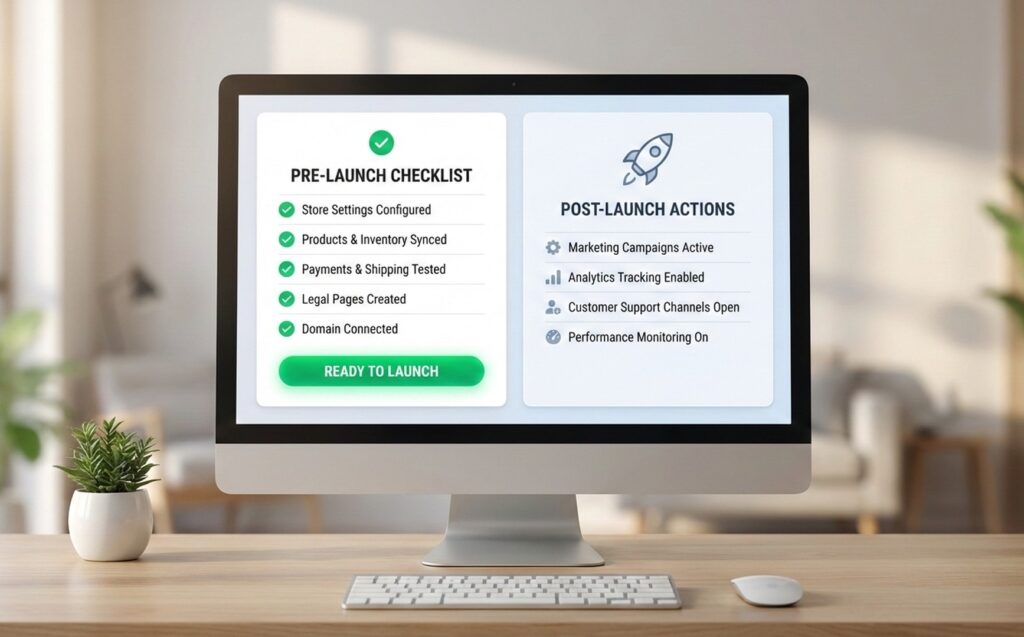
Launching a Shopify store feels like the finish line until a customer hits a core functionality issues like payment failures on final checkout, not being able to login to account or fault in operations like improper setup of shipping rates or many other things. This Shopify store launch checklist keeps you focused on the few things that actually decide whether you’ll get sales on day one.
Use this guide as:
- a Shopify store setup checklist (foundation),
- a Shopify pre launch checklist (testing + operations),
- a launch checklist (go-live sequence),
and a post launch checklist (stabilize + optimize).
Why you need a Shopify store launch checklist
Shopify store setup checklist (foundation before pre-launch)
Store settings, branding, and navigation
- Set store name, logo, favicon, brand colors, typography
- Build proper navigation both in header and footer
- Configure customer accounts (if you need them)
- Add essential pages: About, Contact, Shipping, Returns, Privacy, Terms (also required for payment gateway onboarding)
Products, collections, and content
- Add products with:
- clear titles, benefits-first descriptions
- high-quality images + size guides (if relevant)
- variants, SKU, barcode (if used), weight, inventory rules
- Create collections (e.g., Bestsellers, New Arrivals, Category pages)
- Confirm on-site search works and filters on collection pages work properly.
Shopify pre launch checklist (QA + operations + tracking)
1) Payments + checkout testing (India, third-party gateways + one-click checkout)
- Set up & enable the gateway: Install/configure your payment app/method/provider from Settings → Payments.
Enable these payment methods Indian customers expect: UPI, Cards, NetBanking, Wallets, EMI (as supported by your provider) - Turn on test mode + place 2–3 test orders
- Shopify supports test orders through third-party payment providers in test mode (not just Shopify Payments).
- Verify (India-specific checks)
- Payment status sync: order should correctly move from “pending” to “paid” based on gateway callbacks/webhooks
- Checkout calculations: taxes + shipping correctly applied at checkout
- Notifications: order confirmation emails/SMS fire correctly.
- Operations: cancellation/refund process is understood and tested (even if you refund later in live mode)
- Add “one-click checkout” / faster checkout options
- Enable accelerated checkout buttons (“Buy Now”) so customers can skip the cart and go straight to checkout.
For a true “one-click / one-tap” experience, consider gateway-led quick checkout options like Cashfree’s One Click Checkout which is built for faster repeat checkouts and conversion improvements.
2) Shipping, taxes, and delivery promises
Shipping (India logistics reality): Configure India shipping zones + rates in Settings → Shipping and delivery (domestic-first setup)
- Free shipping thresholds
- Extra charges for COD Orders
- Weight-based slabs (0–500g, 500–1kg, etc.)
- Order value based slaps
Pincode accuracy (prevents support chaos)
- If you offer COD, add friction where needed (e.g., putting limits on order values for COD option, confirmation of address before dispatching orders) to reduce fake/low-intent orders. This can be done through 3rd party apps or using one click checkout.
- Packaging weights/dimensions (prevents rate shocks)
- Ensure product weights + package dimensions are accurate so shipping rates don’t jump unexpectedly at checkout or during label generation. This information should be added in product details as this will help in creating the shipment label easily on every order. If not added, every time weight of product has to be added on shipment portal creating inefficiency in operations.
- Packaging weights/dimensions (prevents rate shocks)
- Taxes (GST in India)
- Shopify applies default GST-related settings for India, but you must update rates based on your actual product categories (GST varies). You can check more about taxation setup for GST on this link
- Make sure your tax setup supports correct split: CGST + SGST for intra-state vs IGST for inter-state), based on buyer location and the location of your business entered by you while setting up store..
- Transparency in shipments and exchanges (what customers trust)
- Display clear expectations on website to users about:
- dispatch time (e.g., “Ships in 24–48 hours”)
- estimated delivery window (ideally pincode-based if you can)
- Keep your return/refund policy aligned with Indian ops (COD returns, partial deliveries, etc.)
- Display clear expectations on website to users about:
3) Legal pages + trust boosters
- Add/update Privacy Policy, Terms of Service, Refund/Return Policy, Shipping Policy, Contact information in footer. This is also required for payment gateway onboarding.
- Add trust elements like clear contact info, WhatsApp/help widget (optional), FAQs, USP icons on product’s individual page.
4) SEO basics + indexing readiness
- Set unique meta titles/descriptions for key pages (Home + top collections + top products)
- Ensure clean URLs and canonical behavior where possible
- Create and submit sitemap via Search Console after launch
5) Integrate Tracking and Analytics tools to understand user behaviour on website
- Add GA4 + verify events (view_item, add_to_cart, begin_checkout, purchase)
- Integrate Clarity by Microsoft to understand the journey user if following by viewing heatmaps and other tools.
- Add Meta/Google Ads pixels if you’ll run ads
- Confirm UTM tracking is preserved through 3rd party checkout’s platform is it is used.
6) Website Performance Check Speed + mobile UX quick checks
- Do the speed test ensuring website is loading fast throughout every page.
- Layout and design Test on real devices (Android + iPhone if possible) to ensure everything is in place visually.
- Testing of functionalities like working of wishlists, add to cart CTAs, checkout buttons, search buttons and other minor functionalities.
Launch day checklist (go-live sequence)
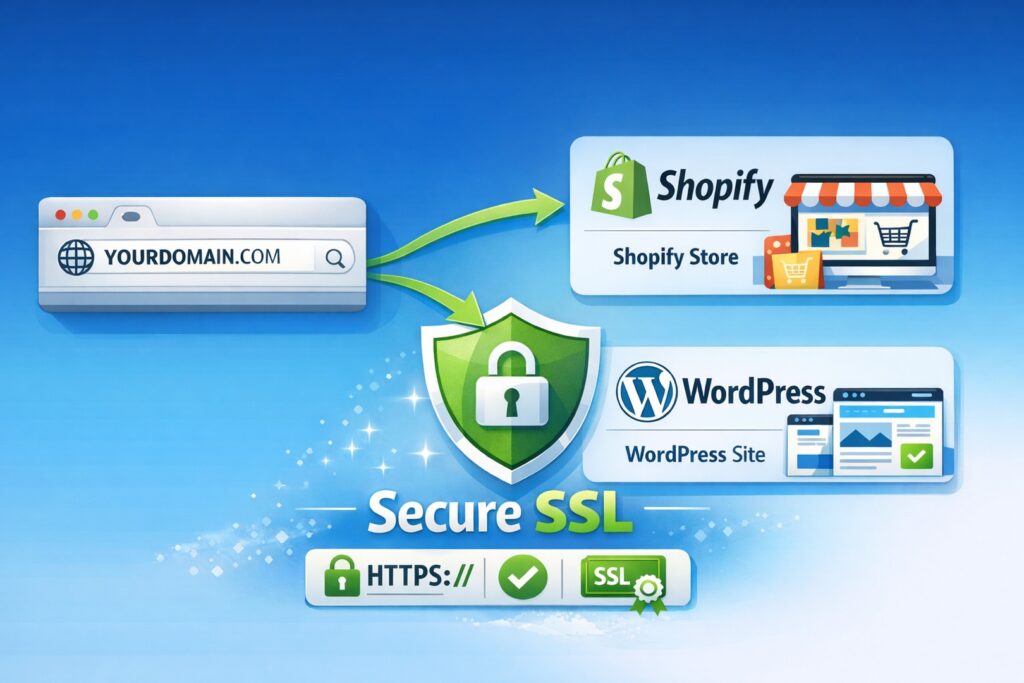
- Connect your domain and confirm DNS propagation
- Shopify notes DNS changes often take ~2 hours, but can take up to 2 days.
- Pick a plan (if needed) and remove the password page
- Shopify: you can remove password protection only after selecting a plan.
- Place one final test order (or a real low-value order) to confirm checkout is live
- Confirm the critical pages load:
- homepage, collection, product, cart, checkout, order status
- Announce (email/SMS/social), then monitor store performance and support inbox
Post launch checklist (first 72 hours + first 30 days)
A post launch checklist is how you turn “live” into “reliable.”
- For first 72 hours, watch abandoned checkouts, payment failures, shipping rate complaints, page speed issues
- Fix broken links, wrong pricing, missing variants, email template errors immediately
First 30 days
- Optimize based on top landing pages, drop-off points, best-selling products.
- Improve conversion through keeping clarity on product page, delivery time, status of orders placed by customers.
- Add automations for both marketing and operations purposes.
- abandoned cart/checkout flows, post-purchase emails, review requests mails that will keep your customer keep hooked to your brand.
What’s the most common launch-day issue?
Two repeat offenders:
- Store is still password-protected (customers hit the password screen). Shopify explicitly documents password protection.
- Checkout wasn’t tested end-to-end (payment/test order gaps). Shopify recommends placing test orders and explains supported methods.
Quick table: Launch checklist by owner
| Area | Tasks |
|---|---|
| Payments | Enable gateway, test mode, test orders |
| Domain | Connect domain + SSL |
| Store access | Remove password page |
| Shipping/Tax | Rates, zones, tax rules |
| Tracking | GA4/pixels, conversion events |
| UX/QA | Mobile checks, speed, broken links |
Website Speed & Uptime
WooCommerce
Shopify
Support
WooCommerce
Shopify
One Time Development Cost
WooCommerce
Shopify
Overall Store Handling
WooCommerce
Shopify
Hosting
WooCommerce
Shopify
Monthly Recurring Cost
WooCommerce
No monthly recurring cost.
Shopify
Master Shopify checklist (setup → pre-launch → post-launch)
Shopify store setup checklist (foundation)
- Branding: logo, favicon, theme typography/colors
- Navigation: header/footer menus done
- Pages: About, Contact, Policies live
- Products: images, variants, inventory, weights set
- Collections: created + sorted + filtered
Shopify pre launch checklist
- Payments enabled + test orders completed
- Shipping rates accurate across key pincodes/regions
- Taxes reviewed
- SEO basics: titles/descriptions + clean URLs
- Analytics/pixels installed + verified
- Mobile UX checked (PDP → cart → checkout)
Launch day checklist
- Domain connected (DNS verified)
- Plan selected + password removed
- Final checkout test completed
- Announcements scheduled + support inbox monitored
Post launch checklist
- Monitor abandoned checkouts + fix errors fast
- Review speed + UX issues
- Optimize top pages based on analytics
- Automations: abandoned cart + post-purchase flows
Launching a Shopify store feels like the finish line until a customer hits a core functionality issues like payment failures on final checkout, not being able to login to account or fault in operations like improper setup of shipping rates or many other things. This Shopify store launch checklist keeps you focused on the few things that actually decide whether you’ll get sales on day one.
Use this guide as:
- A Shopify store setup checklist (foundation),
- A Shopify pre launch checklist (testing + operations),
- A launch checklist (go-live sequence),
- A post launch checklist (stabilize + optimize).
Why you need a Shopify store launch checklist
Shopify store setup checklist (foundation before pre-launch)
Store settings, branding, and navigation
- Set store name, logo, favicon, brand colors, typography
- Build proper navigation both in header and footer
- Configure customer accounts (if you need them)
- Add essential pages: About, Contact, Shipping, Returns, Privacy, Terms (also required for payment gateway onboarding)
Products, collections, and content
- Add products with:
- clear titles, benefits-first descriptions
- high-quality images + size guides (if relevant)
- variants, SKU, barcode (if used), weight, inventory rules
- Create collections (e.g., Bestsellers, New Arrivals, Category pages)
- Confirm on-site search works and filters on collection pages work properly.
Shopify pre launch checklist (QA + operations + tracking)
1) Payments + checkout testing (India, third-party gateways + one-click checkout)
- Set up & enable the gateway: Install/configure your payment app/method/provider from Settings → Payments.
Enable these payment methods Indian customers expect: UPI, Cards, NetBanking, Wallets, EMI (as supported by your provider) - Turn on test mode + place 2–3 test orders
- Shopify supports test orders through third-party payment providers in test mode (not just Shopify Payments).
- Verify (India-specific checks)
- Payment status sync: order should correctly move from “pending” to “paid” based on gateway callbacks/webhooks
- Checkout calculations: taxes + shipping correctly applied at checkout
- Notifications: order confirmation emails/SMS fire correctly.
- Operations: cancellation/refund process is understood and tested (even if you refund later in live mode)
- Add “one-click checkout” / faster checkout options
- Enable accelerated checkout buttons (“Buy Now”) so customers can skip the cart and go straight to checkout
For a true “one-click / one-tap” experience, consider gateway-led quick checkout options like Cashfree’s One Click Checkout which is built for faster repeat checkouts and conversion improvements.
2) Shipping, taxes, and delivery promises
Shipping (India logistics reality): Configure India shipping zones + rates in Settings → Shipping and delivery (domestic-first setup)
- Free shipping thresholds
- Extra charges for COD Orders
- Weight-based slabs (0–500g, 500–1kg, etc.)
- Order value based slaps
Pincode accuracy (prevents support chaos)
- If you offer COD, add friction where needed (e.g., putting limits on order values for COD option, confirmation of address before dispatching orders) to reduce fake/low-intent orders. This can be done through 3rd party apps or using one click checkout.
- Packaging weights/dimensions (prevents rate shocks)
- Ensure product weights + package dimensions are accurate so shipping rates don’t jump unexpectedly at checkout or during label generation. This information should be added in product details as this will help in creating the shipment label easily on every order. If not added, every time weight of product has to be added on shipment portal creating inefficiency in operations.
- Taxes (GST in India)
- Shopify applies default GST-related settings for India, but you must update rates based on your actual product categories (GST varies). You can check more about taxation setup for GST on this link
- Make sure your tax setup supports correct split: CGST + SGST for intra-state vs IGST for inter-state), based on buyer location and the location of your business entered by you while setting up store..
- Shopify applies default GST-related settings for India, but you must update rates based on your actual product categories (GST varies). You can check more about taxation setup for GST on this link
- Transparency in shipments and exchanges (what customers trust)
- Display clear expectations on website to users about:
- dispatch time (e.g., “Ships in 24–48 hours”)
- estimated delivery window (ideally pincode-based if you can)
- Keep your return/refund policy aligned with Indian ops (COD returns, partial deliveries, etc.)
- Display clear expectations on website to users about:
3) Legal pages + trust boosters
- Add/update Privacy Policy, Terms of Service, Refund/Return Policy, Shipping Policy, Contact information in footer. This is also required for payment gateway onboarding.
- Add trust elements like clear contact info, WhatsApp/help widget (optional), FAQs, USP icons on product’s individual page.
4) SEO basics + indexing readiness
- Set unique meta titles/descriptions for key pages (Home + top collections + top products)
- Ensure clean URLs and canonical behavior where possible
- Create and submit sitemap via Search Console after launch
5) Integrate Tracking and Analytics tools to understand user behaviour on website
- Add GA4 + verify events (view_item, add_to_cart, begin_checkout, purchase)
- Integrate Clarity by Microsoft to understand the journey user if following by viewing heatmaps and other tools.
- Add Meta/Google Ads pixels if you’ll run ads
- Confirm UTM tracking is preserved through 3rd party checkout’s platform is it is used.
6) Website Performance Check Speed + mobile UX quick checks
- Do the speed test ensuring website is loading fast throughout every page.
- Layout and design Test on real devices (Android + iPhone if possible) to ensure everything is in place visually.
- Testing of functionalities like working of wishlists, add to cart CTAs, checkout buttons, search buttons and other minor functionalities.
Launch day checklist (go-live sequence)
Use this as your “do it in order” launch checklist.
- Connect your domain and confirm DNS propagation
- Shopify notes DNS changes often take ~2 hours, but can take up to 2 days.
- Pick a plan (if needed) and remove the password page
- Shopify: you can remove password protection only after selecting a plan.
- Place one final test order (or a real low-value order) to confirm checkout is live
- Confirm the critical pages load:
- homepage, collection, product, cart, checkout, order status
- Announce (email/SMS/social), then monitor store performance and support inbox
Post launch checklist (first 72 hours + first 30 days)
A post launch checklist is how you turn “live” into “reliable.”
- For first 72 hours, watch abandoned checkouts, payment failures, shipping rate complaints, page speed issues
- Fix broken links, wrong pricing, missing variants, email template errors immediately
First 30 days
- Optimize based on top landing pages, drop-off points, best-selling products.
- Improve conversion through keeping clarity on product page, delivery time, status of orders placed by customers.
- Add automations for both marketing and operations purposes.
- abandoned cart/checkout flows, post-purchase emails, review requests mails that will keep your customer keep hooked to your brand.
What’s the most common launch-day issue?
Two repeat offenders:
- Store is still password-protected (customers hit the password screen). Shopify explicitly documents password protection.
- Checkout wasn’t tested end-to-end (payment/test order gaps). Shopify recommends placing test orders and explains supported methods.
Quick table: Launch checklist by owner
| Area | Tasks |
|---|---|
| Payments | Enable gateway, test mode, test orders |
| Domain | Connect domain + SSL |
| Store access | Remove password page |
| Shipping/Tax | Rates, zones, tax rules |
| Tracking | GA4/pixels, conversion events |
| UX/QA | Mobile checks, speed, broken links |
Master Shopify checklist (setup → pre-launch → post-launch)
Shopify store setup checklist (foundation)
- Branding: logo, favicon, theme typography/colors
- Navigation: header/footer menus done
- Pages: About, Contact, Policies live
- Products: images, variants, inventory, weights set
- Collections: created + sorted + filtered
Shopify pre launch checklist
- Payments enabled + test orders completed
- Shipping rates accurate across key pincodes/regions
- Taxes reviewed
- SEO basics: titles/descriptions + clean URLs
- Analytics/pixels installed + verified
- Mobile UX checked (PDP → cart → checkout)
Launch day checklist
- Domain connected (DNS verified)
- Plan selected + password removed
- Final checkout test completed
- Announcements scheduled + support inbox monitored
Post launch checklist
- Monitor abandoned checkouts + fix errors fast
- Review speed + UX issues
- Optimize top pages based on analytics
- Automations: abandoned cart + post-purchase flows
FAQs
What else do I need to do before launching my Shopify store?
How to make a Shopify store step by step?
- ) Pick theme + branding → 2) Add products/collections → 3) Set shipping/taxes → 4) Configure payments → 5) Add policies → 6) Install tracking → 7) Test checkout → 8) Connect domain → 9) Remove password → 10) Launch.